Lightburn Beginner Course
Livestream Replay
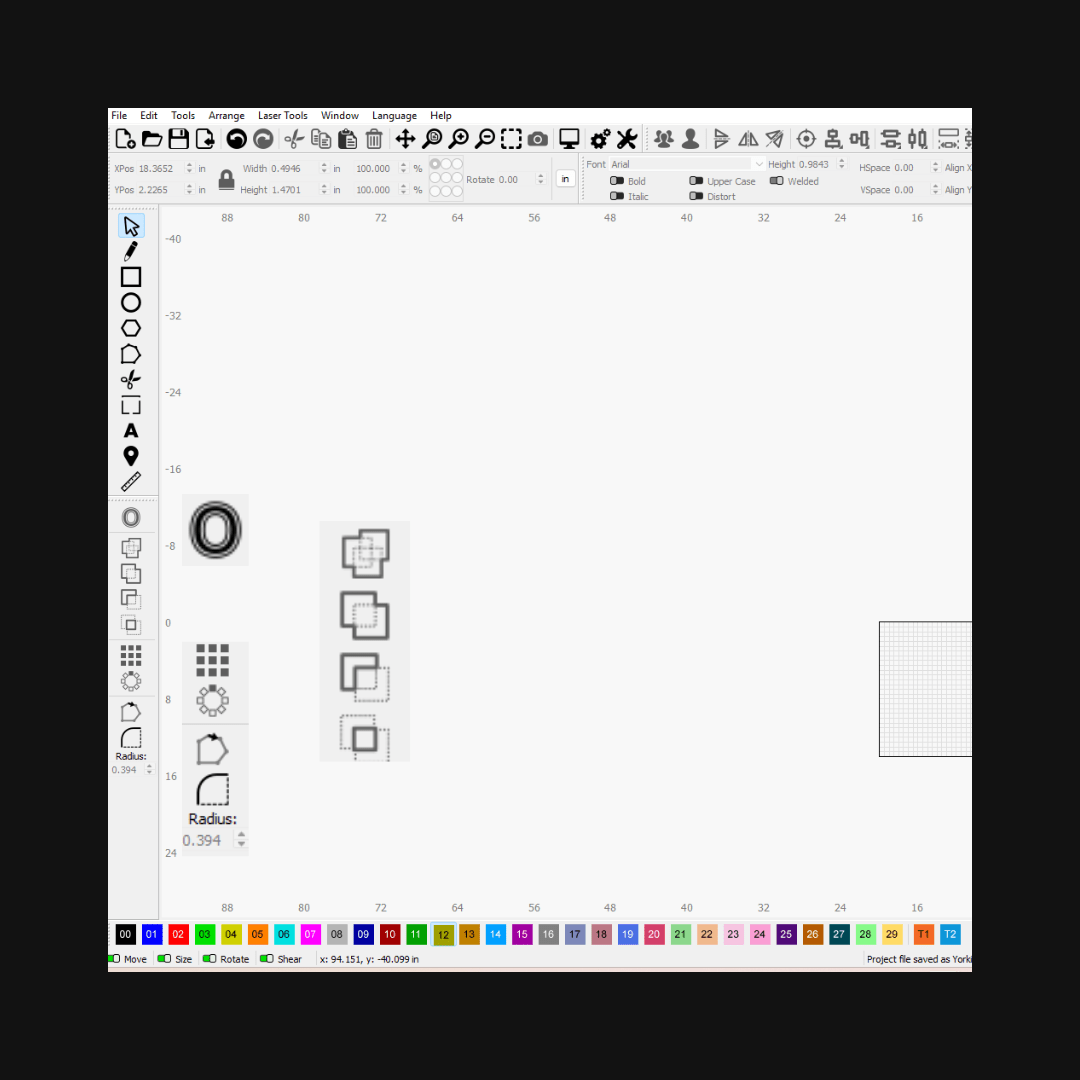
This Lightburn course for new laser owners (or those who need a basics brush up) will take you from the basic set up to your first project using Lightburn. This is live class online that is perfect for new Diode, CO2, and fiber laser users.
🔥What You'll Learn
🌟Time saving techniques like:
💡Combining Shapes, Welding, Offsets, and Arrays.
🌟Menus & Tool Navigation:
💡Where to find the tools you need
🌟Essential Tools
💡Import, Export, Material Libraries, and Settings
🌟Design Basics
💡Design your first Project!
🌟Settings for cutting vs. engraving
❓Why This Course
🛠️Practical Training for new Lightburn users
💡Paced tutorial for beginners
📼Lifetime Replay Access
📞Expert Support After the Course
What the course isn't:
🛑 This isn’t a boring button tour.
This is a beginner-friendly walkthrough of the most essential tools in Lightburn—explained in simple, real-life ways you’ll actually use.
🛑 This isn’t about setting up your laser.
It’s about learning the software that makes your laser run—so you can create amazing things, build your skills, and maybe even start selling your work if that’s your goal. You don’t have to figure it out alone. I’ll be right there with you the whole way. 💛
LightBurn for Beginners – Learn LightBurn Fast
LightBurn for Beginners – Learn LightBurn Fast
Couldn't load pickup availability
Share